Xtream Codes & M3U IPTV Playlist — Complete Guide 2026
ViewMesa provides both Xtream Codes credentials and a personal M3U playlist URL with every subscription. 20,000+ channels, full EPG, 50,000+ VOD — works on every app.
Xtream Codes vs M3U — What's the Difference?
Both formats connect you to your IPTV service. Here's what each one is and which apps use which.
Xtream Codes
A login-based API format. You get 3 things from your provider: a server URL, a username, and a password. Enter these into a compatible app and everything — live TV, VOD, EPG — loads automatically.
M3U Playlist URL
A single URL that points to a text file listing all your channels and stream links. You paste this URL into any compatible player and it loads your entire channel list instantly. Simple and universal.
How to Use Xtream Codes & M3U on Every App
Step-by-step setup for all major IPTV apps in 2026. Works with ViewMesa on any device.
IPTV Smarters Pro
IPTV Smarters Pro supports both Xtream Codes and M3U. Xtream Codes is recommended as it loads EPG and VOD automatically.
- Open Smarters Pro
- Tap Login with Xtream Codes API
- Enter your Server URL
- Enter your Username
- Enter your Password
- Tap Add User
- All channels load automatically
- Open Smarters Pro
- Tap Load Your Playlist / File / URL
- Select Add URL
- Paste your M3U URL
- Give it a name (e.g. ViewMesa)
- Tap Add User
TiviMate
TiviMate is the best IPTV player for Android TV and Fire TV Stick with a beautiful channel guide. It supports both Xtream Codes and M3U playlists natively.
- Open TiviMate → Settings
- Tap Add Playlist
- Select Xtream Codes
- Enter Server URL
- Enter Username + Password
- Tap Next — channels load
- Open TiviMate → Add Playlist
- Select M3U Playlist
- Paste your M3U URL
- Add EPG URL if desired
- Tap Next
- Channels load from the playlist
GSE Smart IPTV
GSE Smart IPTV is the top choice for iOS users. It has a clean interface and fully supports both Xtream Codes API and M3U remote playlists.
- Open GSE → Remote Playlists
- Tap + → Xtream Codes API
- Enter the Server URL
- Enter Username + Password
- Tap Add
- Open GSE → Remote Playlists
- Tap + → Add M3U URL
- Paste your M3U URL
- Give it a playlist name
- Tap Add
VLC Media Player
VLC is a universal media player that supports M3U playlists directly. It doesn't support Xtream Codes natively but your M3U URL works perfectly. Ideal for PC, Mac, or as a backup player.
- Open VLC → Media menu
- Click Open Network Stream
- Paste your M3U URL
- Click Play
- All channels appear in the playlist panel
- Double-click any channel to watch
- Open VLC app → tap Network
- Tap Open Network Stream
- Paste your M3U URL
- Tap Open
Kodi
Kodi uses the PVR IPTV Simple Client add-on to load M3U playlists. Once set up, it gives you a full TV guide (EPG) and live TV experience inside Kodi.
- In Kodi, go to Settings → Add-ons → Install from Repository
- Go to Kodi Add-on Repository → PVR Clients
- Install PVR IPTV Simple Client
- Once installed, go to Configure
- In the General tab, set M3U Playlist URL to your ViewMesa M3U URL
- In the EPG Settings tab, add your EPG URL
- Tap OK and restart Kodi
- Go to TV in the Kodi home screen — all channels are loaded
Smart IPTV (Samsung & LG)
Smart IPTV is available on Samsung Tizen and LG webOS TV app stores. It loads your M3U playlist directly on your Smart TV — no additional device needed.
- Install Smart IPTV from your TV's app store
- Note the MAC address shown on screen
- On a phone or computer, go to the Smart IPTV website
- Enter your TV's MAC address and paste your M3U URL
- Save and restart the app on your TV
- All ViewMesa channels load instantly
Perfect Player
Perfect Player IPTV is a lightweight, clean player for Android and Android TV with a good channel guide interface. Uses M3U playlists and XMLTV EPG.
- Install Perfect Player from Play Store or APK
- Open the app → Settings (gear icon)
- Tap Playlist → paste your M3U URL
- Tap EPG → paste the ViewMesa EPG URL
- Tap OK and go back to the home screen
- Channels load and group automatically
Apple TV
Apple TV doesn't have a dedicated IPTV Smarters version, but GSE Smart IPTV and Flex IPTV both work excellently on Apple TV and support both Xtream Codes and M3U.
- Download GSE from the Apple TV App Store
- Go to Remote Playlists
- Add via Xtream Codes API or M3U URL
- Enter your ViewMesa credentials
- Channels load instantly
- Download Flex IPTV from App Store
- Tap + → Add Source
- Choose M3U or Xtream
- Paste your ViewMesa credentials
- Save and start watching
MAG Box
MAG boxes use a Portal URL format rather than standard Xtream Codes or M3U. ViewMesa provides a portal URL for MAG box subscribers — just ask when you order via WhatsApp.
- On your MAG remote, press the Menu button
- Go to Settings → System Settings
- Select Servers → Portals
- In Portal 1 URL, enter your ViewMesa portal URL
- Press OK to save
- Restart the MAG box — channels load automatically
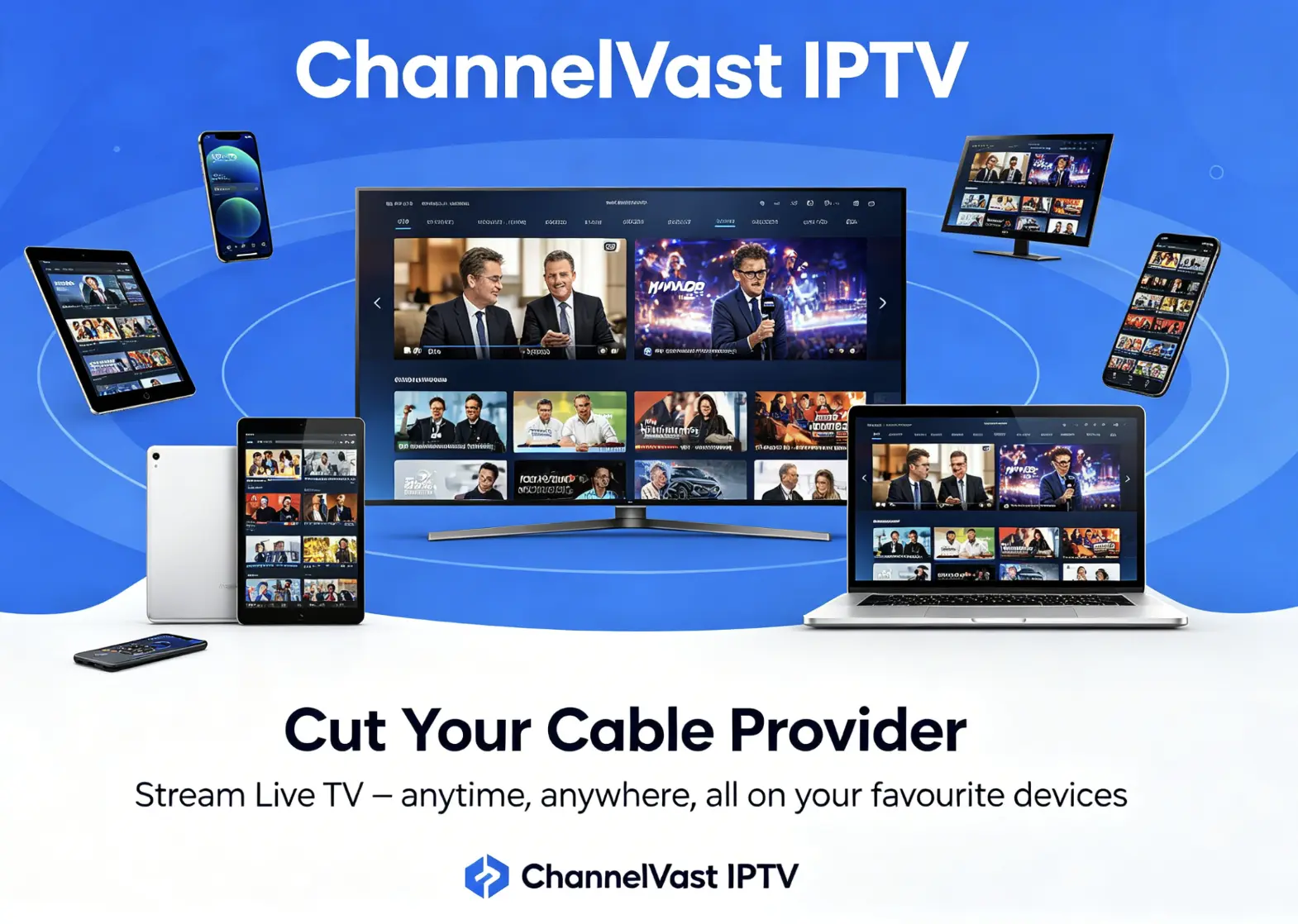
Works on Every Device with One Subscription
Your ViewMesa Xtream Codes and M3U playlist work on every screen you own. Install the app, paste the credentials, and watch — no contracts, no cable box, no engineer visit.
How to Get Your Xtream Codes & M3U URL
3 simple steps. No website account needed. Everything via WhatsApp.
Message ViewMesa
Send us a WhatsApp message. Tell us which device and app you plan to use so we can confirm compatibility.
Get a Free 24h Trial
We activate a free 24-hour trial with your Xtream Codes and M3U URL. Test all channels on your device before paying a penny.
Subscribe & Keep Watching
Happy with the trial? Choose a plan. Your same Xtream Codes and M3U URL continue working — no re-setup needed.
Why ViewMesa for Xtream Codes IPTV
Not all Xtream Codes providers are the same. Here's what makes ViewMesa reliable.
99.9% Uptime
Multiple redundant servers. If one goes down, your stream automatically switches to a backup. Live uptime visible at server-status.html.
Auto-Updating Playlist
Your M3U URL never expires. We add new channels and fix broken streams constantly — your URL automatically returns the latest version.
Real Human Support
WhatsApp support 7 days a week. If you can't get your app connected, we'll walk you through setup step by step — no chatbots.
Anti-Freeze Technology
Our Xtream Codes streams use adaptive bitrate. If your connection dips, the stream adjusts instead of buffering. Smooth playback even on weaker connections.
Full EPG / TV Guide
Full Electronic Programme Guide included with Xtream Codes. See what's on, what's coming next, and access 7-day catch-up TV on supported channels.
Secure Credentials
Your Xtream Codes username and password are unique to you. We can reset credentials instantly via WhatsApp if you ever suspect unauthorised use.
What Customers Say About ViewMesa IPTV
"Set up Xtream Codes on TiviMate in under 5 minutes using their credentials. EPG is perfect, no buffering at all on 4K channels. Exactly what I was looking for."
"I use the M3U URL on VLC and also the Xtream Codes on IPTV Smarters on my phone. Both work perfectly. The M3U never expires — I set it once six months ago and it still works."
"Tried three IPTV providers before ViewMesa. The others had broken streams and slow support. ViewMesa's Xtream Codes just work, and if anything goes wrong they reply on WhatsApp within minutes."

Xtream Codes & M3U Playlist FAQ
Common questions about Xtream Codes and M3U IPTV playlists.
What is an Xtream Codes IPTV URL? +
Xtream Codes is an IPTV API format that gives you a server URL, a username, and a password. These three credentials let you log into any compatible IPTV app — such as IPTV Smarters Pro or TiviMate — and instantly load all your channels, EPG (TV guide), and VOD library without a separate M3U file.
What is an M3U IPTV playlist? +
An M3U playlist is a text file (or URL) that lists all your IPTV channels with their stream links. You paste the M3U URL into any compatible app — VLC, Kodi, GSE Smart IPTV, Perfect Player — and the app loads all channels automatically. ViewMesa provides your personal M3U URL upon subscription.
Which is better — Xtream Codes or M3U? +
Xtream Codes is generally better because it includes EPG (electronic programme guide), VOD access, and catch-up TV natively. M3U is simpler and works with more apps including VLC and older media players. ViewMesa provides both formats with every subscription so you can use whichever suits your app.
Does ViewMesa provide Xtream Codes? +
Yes. Every ViewMesa subscription comes with Xtream Codes credentials (server URL, username, and password) AND an M3U playlist URL. You receive both via WhatsApp within 1 hour of payment.
Can I use my M3U URL on multiple devices at the same time? +
Each ViewMesa subscription includes 1 active connection. You can install the app on as many devices as you like, but only 1 can stream simultaneously on a standard plan. If you need 2 or more simultaneous streams, ask us about multi-connection plans via WhatsApp.
How do I update my M3U playlist if channels change? +
Your M3U URL is permanent and self-updating. Any time we add channels or fix streams, the same URL automatically returns the latest playlist. You never need to manually update it — just use the same URL you received when you subscribed.
What apps support Xtream Codes in 2026? +
The main apps that support Xtream Codes in 2026 are: IPTV Smarters Pro, TiviMate (Android/Fire TV), GSE Smart IPTV (iOS/Apple TV), Perfect Player, Nora Go, IBO Player, and Xtream Player. M3U is supported by these plus VLC, Kodi, Smart IPTV (Samsung/LG), MX Player, Emby, and Plex.